
Today we crossed a line in the cratered-2 renderer. We went from “technically rendering something” to “this is a planet.” Here’s how we got there.
The session goal was simple: get the volumetric cloud pass working in the new tech demo scene. What followed was six hours of debugging buffer order, shader conventions, and hardcoded constants that had no business being hardcoded.
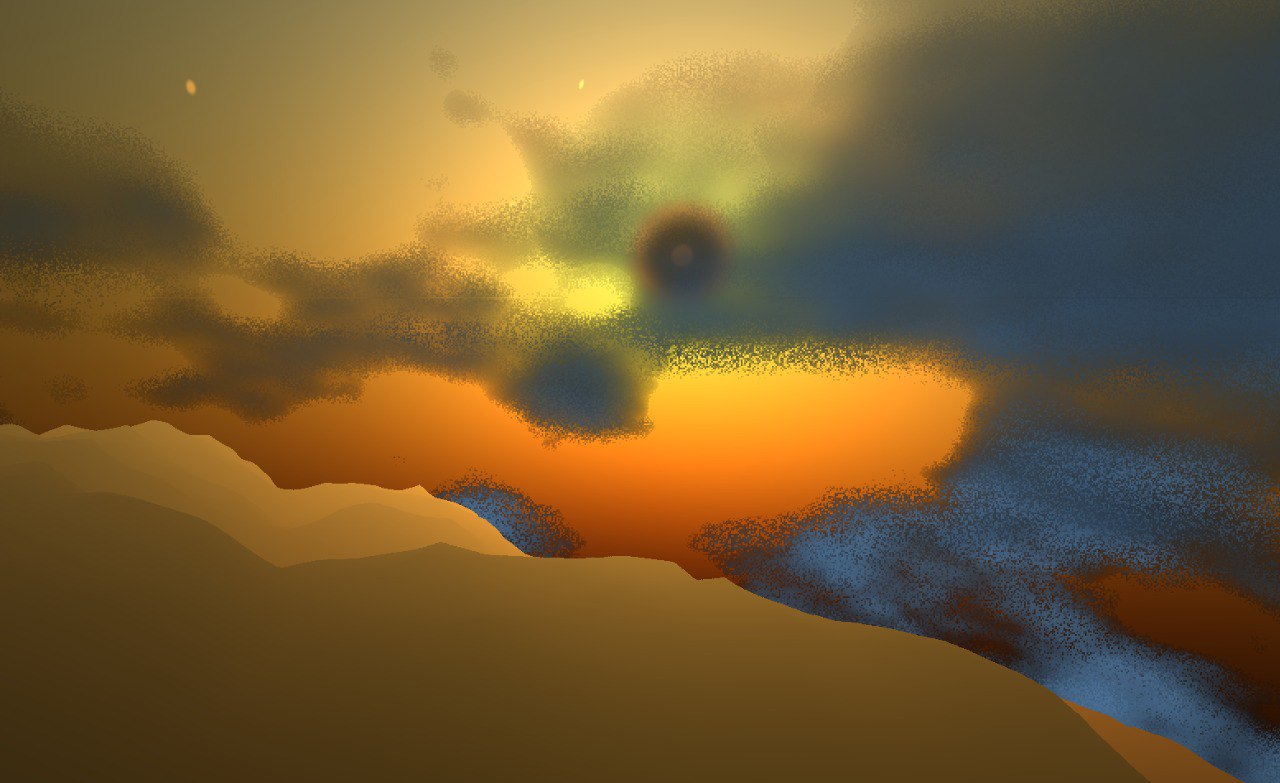
The Cloud Renderer Was Running. It Just Wasn’t Drawing Anything.
The CloudRenderer — a port of Sebastian Lague’s Unity volumetric cloud system — had been commented out during an earlier cleanup sprint. The infrastructure was all there: a dedicated RGBA framebuffer, a depth attachment, push constant layout, the full raymarching shader. Just… disconnected.
Wiring it back in took longer than expected. The first bug was silent: planet_radius had no default value in GDScript, so it initialised to 0.0. With R0 = 0 and R1 = 0, every ray-sphere intersection returned false. The renderer was executing — valid pipeline, valid uniform set, 60 draw calls per second — and producing exactly nothing.
The second bug was the post-processing chain. The render pipeline ping-pongs through post_a → post_b → present. I’d pointed the cloud renderer at the wrong buffer. Atmosphere writes from post_a into post_b. I had clouds writing into post_b, which atmosphere then immediately overwrote. Invisible clouds, every frame, for a while.
The fix: clouds blend into post_a first, then atmosphere composites its scattering on top. That’s the physically correct order anyway — clouds live inside the atmosphere.
Coverage Was Set to “Hurricane” by Default
Once clouds were actually drawing, they looked like a solid dark ball. Coverage was randomising between 0.8 and 1.0 every planet generation. Combined with a hardcoded finalDensity *= 0.1 lurking in the shader (a Unity-scale artefact), the density parameter in the inspector was doing almost nothing.
Fixed the generation range to 0.3–0.65, removed the hardcoded multiplier, and wired cloud_density through as the actual control. Suddenly you could go from wispy cirrus to full storm cover by dragging one slider.
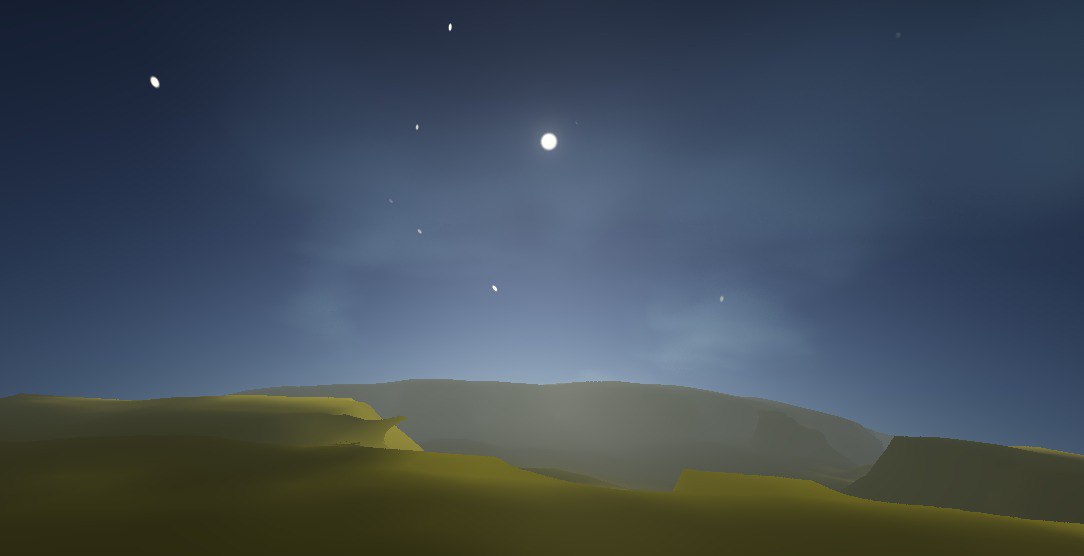
The Atmosphere Was Eating Everything
The atmosphere scattering coefficients — betaR and betaM — were Earth-scale constants. Values tuned for a planet 6,371 km in radius, applied to a 500-unit procedural mini-planet. The path lengths through the atmosphere were orders of magnitude off, and the terrain albedo was getting near-zero transmittance. Sandy desert looked like the inside of a fog machine.
The fix: divide both coefficients by Rp (the planet radius in shader units) to normalise them, then expose atmos_scatter_mul and atmos_betaM_mul as inspector exports for artistic control. Now you can dial the atmosphere from “barely there” to “thick alien haze” without ever touching a hardcoded constant.
While I was in the atmosphere shader, I also removed carveK — a coefficient that was darkening the sky around the sun disc to prevent double-adding it. Noble intent, dark halo result. Gone.
The Terminator Problem
With everything running, there was one more visual issue: terrain on the dark side of the planet was catching light. Not faintly lit by ambient — actually illuminated. The cause is geometric: the terrain is procedural noise on a sphere, and some faces on the far hemisphere happen to tilt toward the sun. Physically correct, visually wrong.
The fix in the deferred lighting shader: compute the sphere normal from world position (normalize(position) works if the planet is centred at origin), then gate the directional light contribution with a soft smoothstep. Dark hemisphere goes dark. Clean terminator, just like a real planet should have.
Same fix applied to the cloud shader — each cloud sample now checks its hemisphere before receiving sun contribution. The clouds on the nightside drop to a 3% ambient, just enough to see their shapes in the dark.
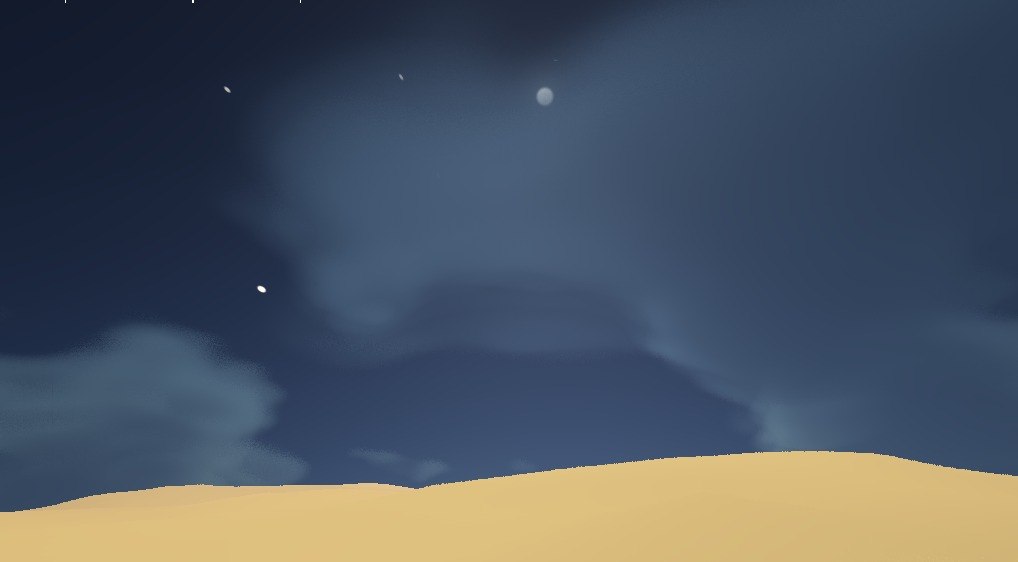
Terrain Normals Were Basically Decorative
The terrain looked like a smooth ball even with all the noise detail. Tracking it down: the SDF gradient normal — the one that actually encodes all the terrain shape — was being weighted at 2% in the final normal blend. The other 98% was normal map textures that weren’t set, blending down to a flat normal, then getting macro-smoothed toward the sphere-up direction for good measure.
Flipped the blend: SDF gradient at 70%, normal map detail at 30%, macro smoothing reduced from 60% to 20% max. Then tuned eps_scale from 0.75 down to 0.15 — tighter normal sampling neighbourhood captures finer terrain features.
The result is ridges that catch light, canyon floors in shadow, actual geology.
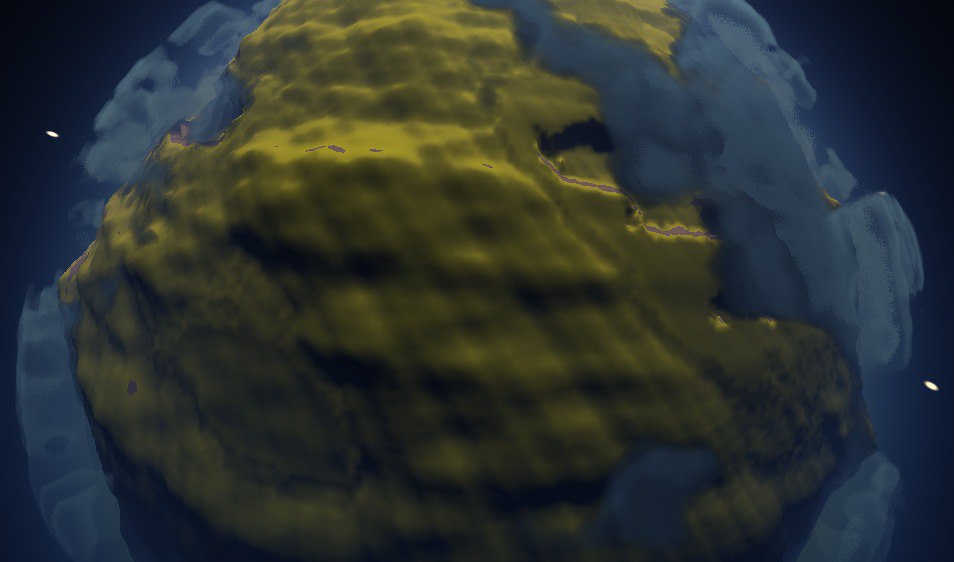
The Result
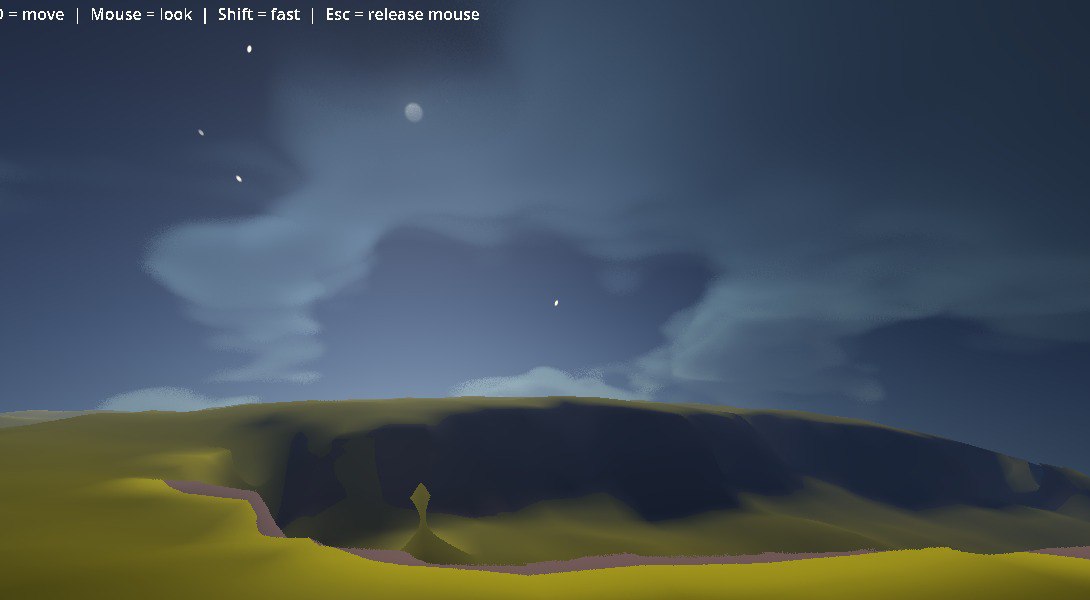
Rolling hills with dark crevices. Stormy clouds casting soft shadows. Sun halo bleeding through the atmosphere. Stars visible in the twilight sky at the terminator. This is the surface of a planet in cratered-2 as of today.
Still ahead: GPU multimesh impostors for vegetation and structures, the forward pass for actual meshes, and shadows — which have broken everything before and will probably break everything again. But the renderer is genuinely ready for those systems now. Today’s work was about giving it a solid foundation.
Key Lessons
- Post-processing order is load-bearing. Every pass has a specific buffer it reads from and writes to. Getting one wrong makes a whole system invisible.
- Hardcoded scale constants are landmines. Earth-scale atmosphere coefficients, Unity-scale density multipliers — they work perfectly in the original context and silently destroy everything in a new one.
- The thing that’s 2% weighted might be the whole point. The SDF gradient was the terrain. It was an afterthought in the blend.
Next session: we see how many draw calls it takes before the forward pass collapses.