
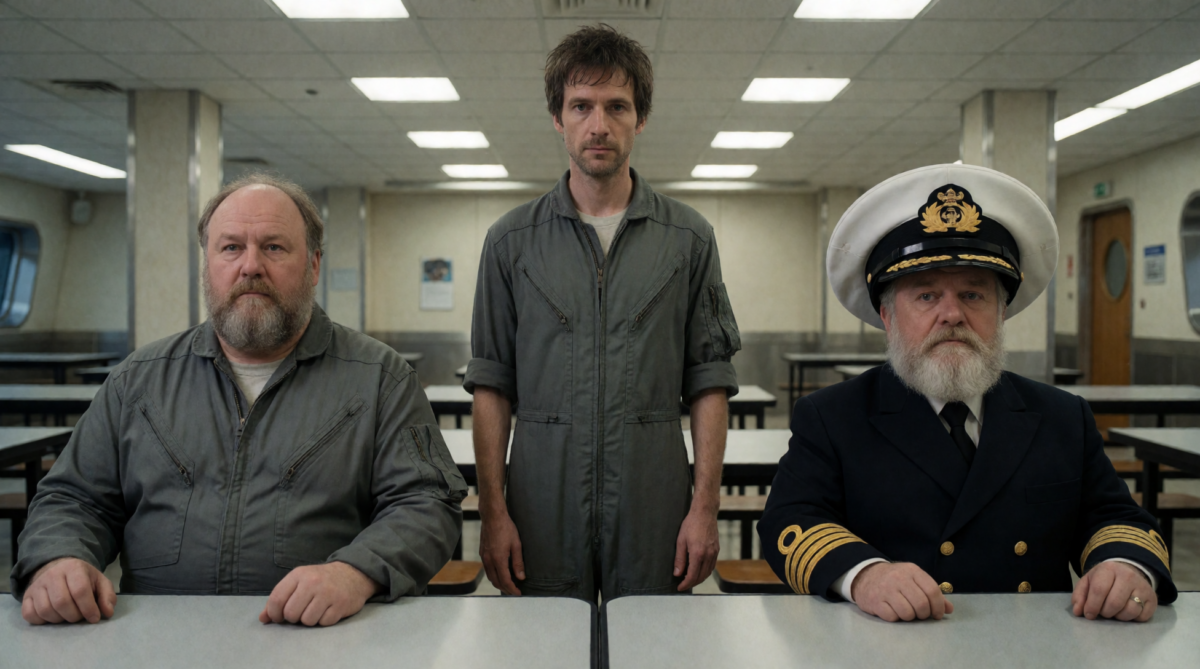
It’s not that studios will replace artists with AI.
It’s that artists no longer need the studio.
I spent last week building my own film studio with generative ai for stills, video and even soundtrack – all run locally.
Some think artistic jobs will be lost. I think now, even more than ever, human creativity, ideas, writing, art direction and determination is what’s needed!
I’ve got scripts (more like written down ideas) in long forgotten Google Drive folders from the 90s, ideas I was always hoping to someday realize. These ideas are the reason I learned 3d Studio Max, Photoshop, Cubase and later Blender, Unity and Godot.
Now, I think the next level of tools are here.
What have I done?
The writers room
I write the script (just plain writing) and give it to my head writer agent. The agent breaks it up into sequences, shots and beats. Next, each shot is fed to a Prompt Expert agent, fine-tuned on the documentation for my image (current) diffusion model and my own personal testing manuals.
Crew
Here I’ve replicated the roles of a real studio production. I have sections for Director, Art Director and Cinematographer – each carrying guiding rules for the style I’m after.
Here I can create and “audition” cast members. A local llm takes my written brief and prompt slightly different variations to choose from.
Props and sets work similarly. I describe what I want and the props master and set designer return 4 variants for me to choose from.
These feed into the prompts later when I use them in the still image creation.
Layout
In Layout, the shot prompt is the input for a still render (I can also import an image). Layout can reference the cast, sets and props which more or less simply injects their text description into the shot prompt. Style data sets can be applied here as well. I can set shot type (wide, close-up, pov etc) and lens type (fish-eye, 35mm, 70mm). Then I hit render and get a set number of variations of the still.
I pick the best one as a start frame for the video generator. Yet another prompt expert (trained on video and motion prompting) inteprets my inputs where I set what happens in the scene, who says what, who get’s hit with a broom etc. I can also string longer shots together by providing the last frame into the first frame of the next clip.
Rendering the clip first in draft mode let’s me roughly confirm if it reads. Once I click approve on the shot, it’s added to a night shift queue. The RTX 5090 and 9950X3D spend the night rendering all the approved draft shots to high-res, and I get dailies to approve in the morning
SEQUENCER
The Sequencer page is where I assemble the clips into edits. It has simple editing capabilities but nothing special. Here I can add cards for missing shots. There’s a very untested soundtrack lane where I can prompt for background music.
Productions
So far I have feature film, episodal and a social media content production type. This is more for organizing all the content coming out. The social media content is a specialized prompter focused on selfie videos, found footage type video creation in mobile phone portrait form.
The Lab
This is the prompt research area, built to see how prompts break with conflicting instructions. I can click green check or red disapprove to help train the prompt library.
The Dailies Wall
Built like my own TikTok wall for quick reviewing on mobile phone.
What next?
What’s next? Interactive media. I’m extending this workflow directly into Godot to build an FMV engine with quick-time events—think a modern Dragon’s Lair or Space Ace.
It means setting up linked and branching shots so the player can walk between scenes and of course, the many many death sequences.
Even beyond that, heck, there are workflows that can render transparent sprite atlases, depth buffers and normal map approximation. There’s just so much to do!